
PEAKMINDED INSIGHTS · ENTERPRISE AI · WORKFORCE DEVELOPMENT
How to Build an AI Workflow Playbook Your Team Can Actually Use
October 29, 2026 · By PeakMinded
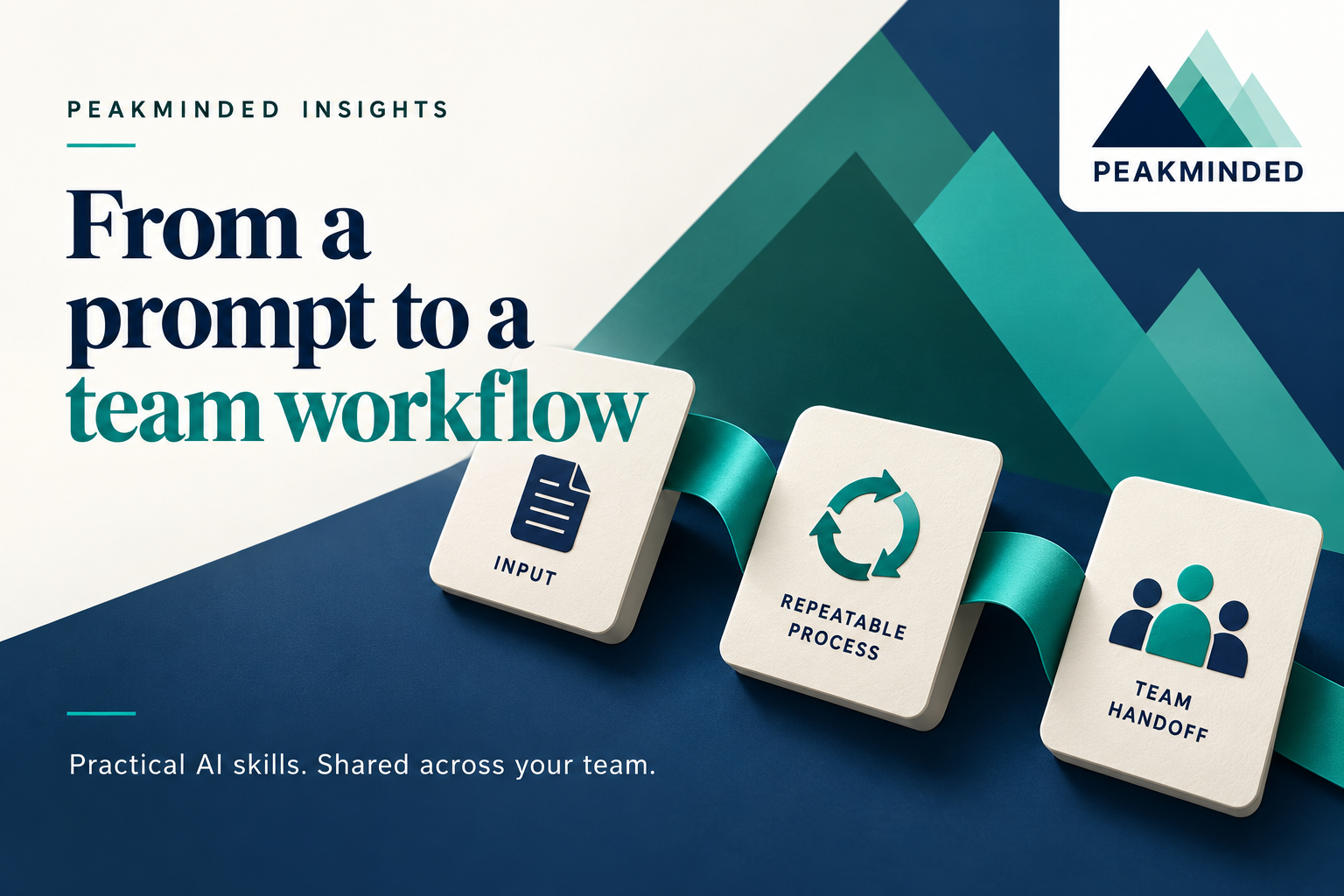
A useful prompt becomes a team capability when someone else can use it, understand its limits, and take responsibility for the result.
A colleague demonstrates an impressive AI-assisted task. Everyone wants the prompt. A week later, each person is supplying different inputs and making different assumptions about what happens next.
For HR and learning leaders, the training opportunity is the whole workflow: when to start, what information is permitted, how to perform the task, and who owns the handoff. Start with one bounded task and create a short playbook that a teammate can follow without its original author in the room.
NIST's AI Risk Management Framework 1.0 addresses documenting intended use and context (MAP 1.1), clarifying risk-management responsibilities (GOVERN 2.1), and planning ongoing review (GOVERN 1.5). The playbook below is PeakMinded's suggested training method; it does not establish compliance with the framework.
1. Choose a task with a clear beginning and end
Use a task employees already understand. Drafting an internal weekly project update from approved status notes is specific enough to practice. Managing the project with AI leaves many decisions unresolved.
Name the trigger, audience, final deliverable, and excluded activities. In this example, AI helps organize a draft. It does not change project records, assign work, send messages, or approve commitments. Those actions need their own permissions and process.
2. Define the input boundary before the prompt
Record the approved tool and workspace, permitted source types, and information that must be excluded or handled through another approved route. A prompt library should never quietly become a library of real personnel records or customer secrets.
For training, use synthetic project notes. In production, follow your organization's information-handling rules and confirm that the specific tool configuration is approved for the data. If needed information is unavailable or unauthorized, stop the workflow rather than improvising a source.
3. Write the procedure someone else will follow
Describe the steps around the prompt: collect approved notes, confirm the reporting period, label each source, generate a draft, resolve questions, and route it to the owner. Save an example of an acceptable result alongside the instructions.
A reusable starting prompt for synthetic practice:
Using only the labeled project notes below, draft an internal weekly update with four sections: progress, blockers, next steps, and open questions. Preserve the difference between proposed and confirmed actions. Keep source labels beside factual statements. If an owner or date is missing, mark it as missing; do not infer it. Return a draft for the project owner to review.
Source labels help a reviewer locate evidence; their presence does not prove the draft is accurate. Include the expected output format and a route for unresolved questions.
4. Make the handoff explicit
Specify who runs the workflow, who reviews the result, and who may release it. Include a destination for approved work and a place to record questions. A vague instruction that someone should check it is difficult to teach or audit.
For the project-update example, the coordinator creates the draft and the project owner confirms dates, owners, and commitments before sharing. If the draft contradicts the source or the notes disagree, the owner resolves the issue. Our AI output review checklist supports the review step; this playbook describes the broader process around it.
5. Test the playbook with a second person
Ask a teammate who did not write the instructions to run the task with synthetic inputs. Observe where they need extra explanation. That is useful evidence about the playbook, even if the final draft looks polished.
Try a normal case, a missing-date case, and a case with contradictory notes. These are suggested training scenarios, not an exhaustive validation standard. Decide in advance what the learner should do in each. A successful missing-date exercise should surface the gap and route it to an owner.
Compare the complete process with the existing method: preparation, drafting, review, correction, and handoff. Record errors and clarification requests alongside time. A faster first draft alone does not tell you whether the full workflow is better.
A one-page AI workflow playbook template
- Task and trigger: What starts the work, and what is the deliverable?
- Scope: What may this workflow do, and what is excluded?
- Inputs and tool: Which sources, information classes, and workspace are permitted?
- Procedure: What steps, prompt version, and output format should the learner use?
- Ownership: Who operates, reviews, resolves questions, and releases?
- Stop conditions: What missing evidence, permission issue, or unexpected behavior requires escalation?
- Practice evidence: Which examples were tried, what happened, and what changed?
- Maintenance: Who owns this version, when was it approved, and what triggers another review?
Keep the playbook small enough to maintain
Give each approved playbook an owner, version, and review date. Keep the current copy in one shared location. Revisit it when the tool, data access, task, or approval process changes, as well as at the review interval your organization chooses.
For a first team session, ask learners to create one playbook and exchange it with a colleague. Assess whether the colleague can complete the task, recognize a stop condition, and explain the handoff. Use the observed gaps to shape the next learning session.
Source: NIST AI 100-1, AI RMF 1.0 (2023), MAP 1.1, GOVERN 2.1 and GOVERN 1.5. Template, examples, and training recommendations are original PeakMinded illustrations; adapt them to your organization.